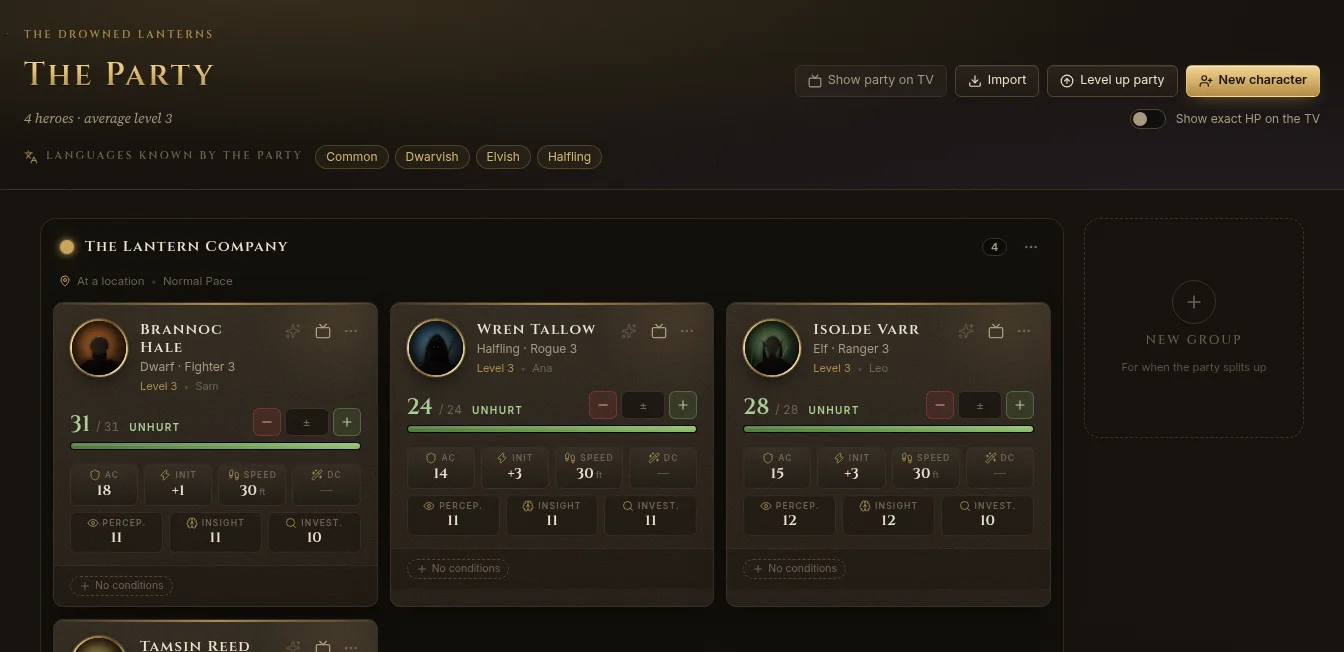
Party on the left rail is the campaign’s dashboard of player characters: everyone’s hit points, AC, initiative, speed, passive scores and conditions at a glance, and the full sheet one click away. Characters belong to the campaign.
Add characters
At the top of the dashboard:
- New character opens the character creator, step by step with the 2024 rules.
- Import brings in a Character sheet PDF, a Fablekeep JSON file, or starts a Blank sheet you fill in by hand. See Importing characters.
Players who join from their phones can also build their own characters and send them to you for approval.
The character cards
Each card shows the character’s level, class and species, hit points with their state (Unhurt, Bloodied…), AC, initiative, speed, spell save DC and passive Perception, Insight and Investigation.
- Type an amount and use − or + to deal damage or heal right on the card.
- Click the star to grant or spend Heroic Inspiration.
- Show on TV (the TV icon on the card) puts that character on the TV.
- More (…) moves the character to another group, marks them inactive, or deletes them.
Click a card to see the character in the inspector; double-click it, or click Open sheet, for the full sheet.
The character sheet
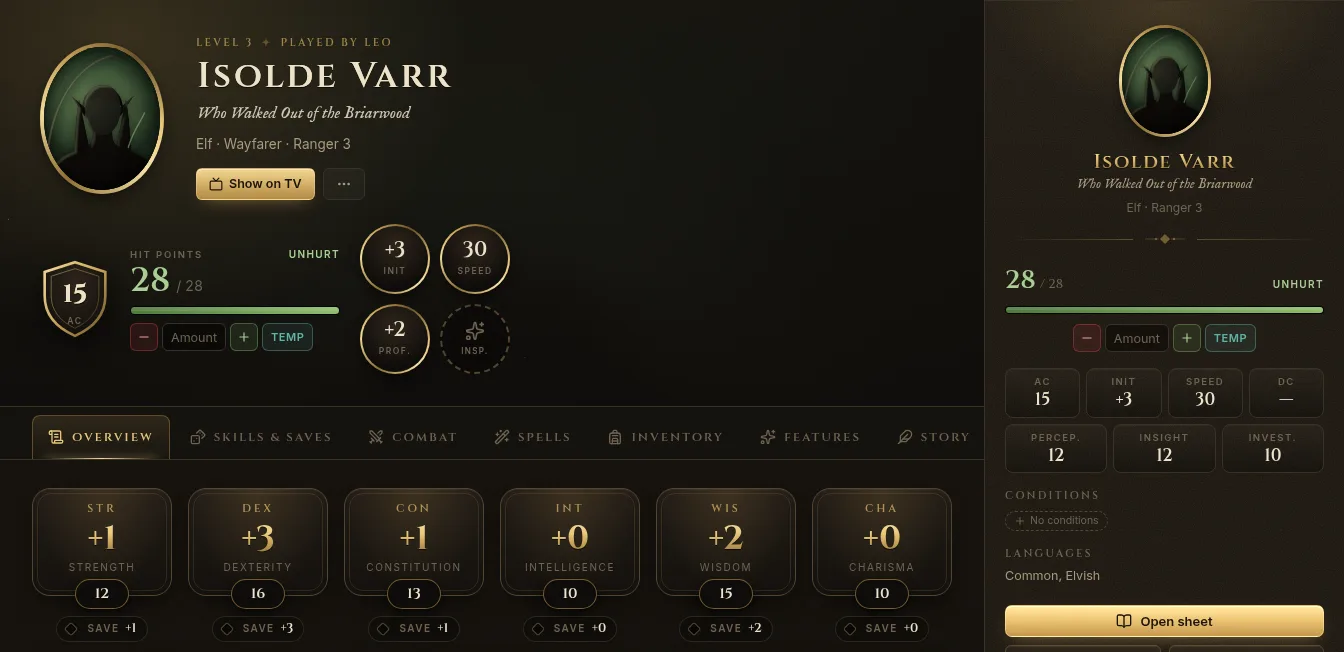
The sheet has seven tabs: Overview, Skills & Saves, Combat, Spells, Inventory, Features and Story.
- Overview — classes and level, ability scores, hit points, conditions and exhaustion, languages.
- Skills & Saves — proficiency and expertise, passive scores.
- Combat — attacks, speed, rests (Short rest, Long rest).
- Spells — spell slots, prepared spells and spell cards.
- Inventory — equipment, money and weight.
- Features — class features, feats and traits, with their uses and recharge.
- Story — personality, appearance and backstory, and the public description shown on the TV (never the backstory).
At the top, change the portrait or showcase art, add a title for the TV nameplate, and track hit points and temporary hit points. Export as JSON (under …) saves the character to a file.
Conditions and exhaustion
Add conditions from the card or the sheet (Add condition); click one to remove it. Exhaustion follows the 2024 rules: each level is −2 to d20 Tests and −5 ft of speed, and level 6 is death.
Level up
Click Level up on a sheet, or Level up party on the dashboard to go through everyone. For each character:
- Choose Which class gains the level? (or Multiclass).
- Take the Average hit points or Roll the hit die.
- Make the new choices for that level (spells, features, ability score improvements).
- Click Level up to 4 (the new level).
Undo in the level history takes back the last level.
Groups and splitting the party
When the party splits up, give each part its own group:
- New group, then drag heroes into it. Or use Split group… in a group’s menu, pick Who goes? and name the new group.
- Each group has its own colour and position on the map and can travel on its own. Merge into joins two groups again.
A character who isn’t playing for a while can be Marked as inactive: they stay in the campaign but leave the active party.
The party on the TV
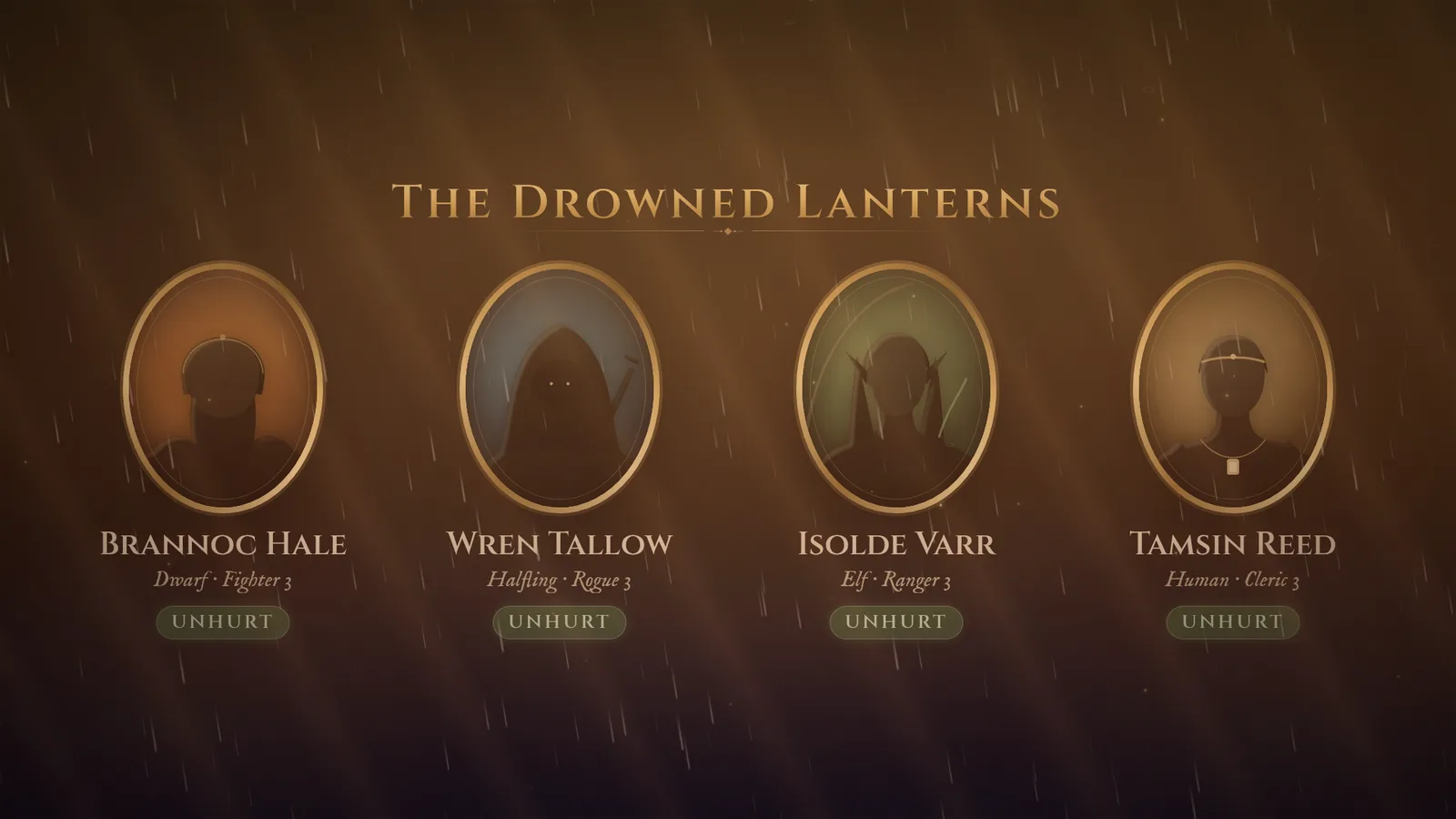
Show party on TV puts everyone’s portraits, names, class and health on the TV. By default the TV shows health as words (Unhurt, Bloodied…); turn on Show exact HP on the TV to show numbers.